

Planning an event in Columbus and trying to keep costs manageable without sacrificing the fun? A DIY photo booth is one of the most popular ways to add a memorable activity to your wedding, birthday party, or corporate gathering. Whether you’re searching for a Vintage photo booth Columbus, Ohio experience or simply want to build something creative at home, this guide walks you through everything you need to know. And if the DIY route starts to feel overwhelming, Epic Events Booth is always here to take the work off your plate with a fully professional setup.
Why DIY Photo Booths Are So Popular at Columbus Parties
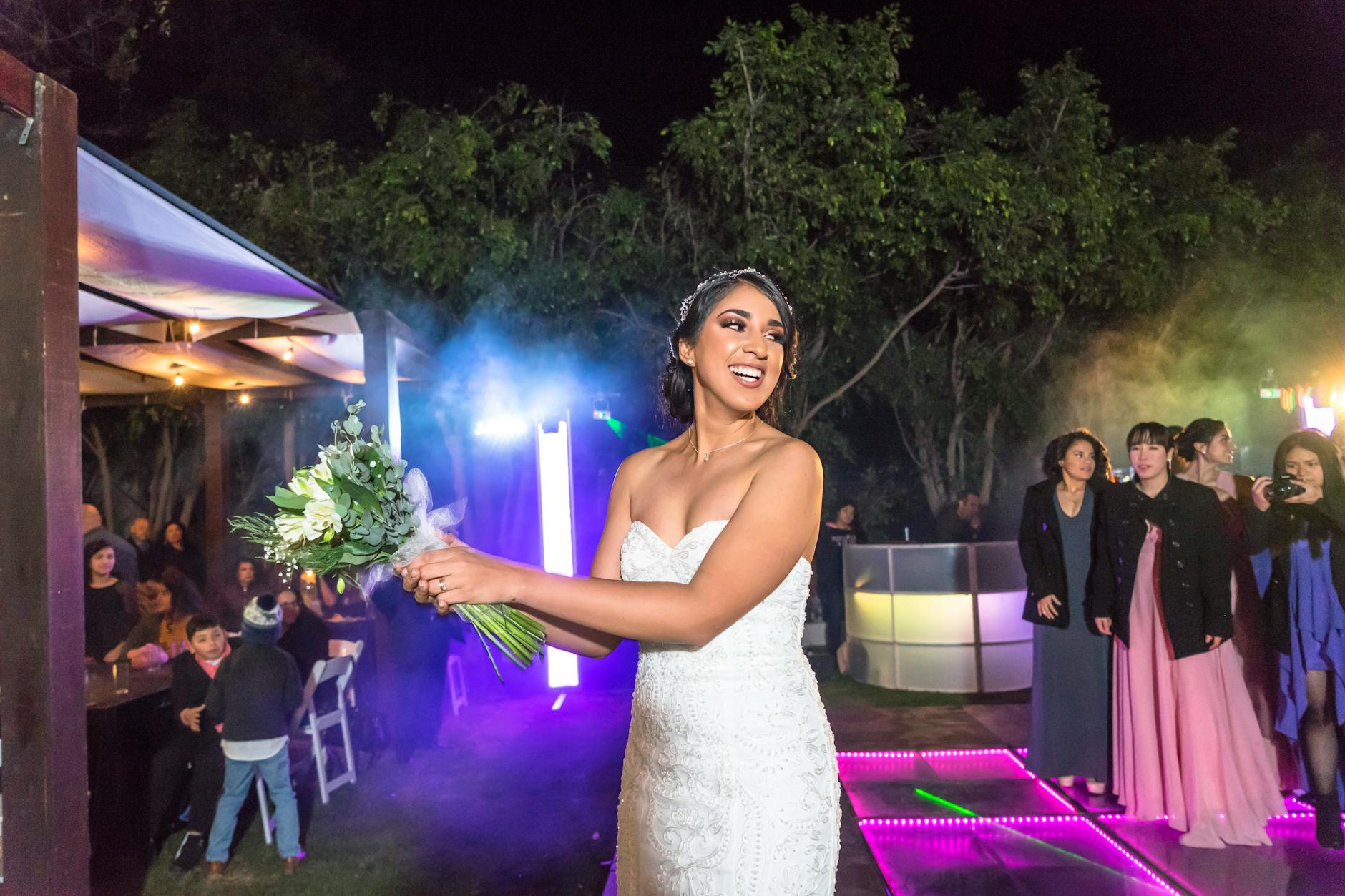
The DIY photo booth trend has taken off across the country, and Columbus events are no exception. Guests love having a dedicated spot to snap candid photos, try on props, and walk away with a printed keepsake. Making a photo booth for a party gives hosts a personal, creative touch that fits any theme, from rustic barn weddings to sleek corporate brand activations. The appeal is simple: it is interactive, it is visual, and it gives people something to do between meals and speeches. According to event planning resources on The Knot, photo-related activities consistently rank among the most talked-about elements at receptions. A homemade photo booth for a wedding or social gathering can also be surprisingly budget-friendly when you plan the supplies carefully. That said, the results depend heavily on how much time and effort you are willing to put in before the big day.
What Tools and Materials You Need to Build a Photo Booth
Before you start building, gather your supplies. Setting up a DIY photo booth requires more gear than most people expect. Here is a practical list to get you started:
- Camera: A DSLR or mirrorless camera gives you the sharpest photos. If budget is a concern, a modern smartphone mounted on a tripod also works well for casual events. For those asking what camera to use for a DIY photo booth, a Canon EOS Rebel series or a Sony a6000 are popular, affordable options that produce crisp, print-ready images.
- Backdrop: Fabric, paper rolls, balloon walls, floral arrangements, or a wooden frame draped with fairy lights all work well. Your backdrop sets the whole mood of the photo station.
- Lighting: A ring light or two softbox lights placed on either side of the camera eliminate shadows and make every guest look their best. Good lighting is honestly the single biggest factor in photo quality.
- Tripod or Stand: Keep the camera steady and at eye level.
- Photo Booth Printer: A portable dye-sublimation printer lets you produce instant prints. A DIY photo booth with a printer is what separates a true booth experience from just a selfie station. Popular options include the DNP DS620A and the HiTi P525L.
- Props: Hats, signs, glasses, boas, and themed accessories encourage guests to loosen up and have fun.
- Photo Booth Software or App: You will need an app or program to control shutter timing, apply filters, and queue prints. DSLR Remote Pro and Sparkbooth are two commonly used options for desktop setups, while apps like Simple Booth HALO work great on tablets.
- Power Source: Make sure you have a reliable outlet nearby or a portable power station if the booth is set up outdoors.
When sourcing these materials in Columbus, check local party supply stores and camera rental shops before buying everything new. Renting a camera for a single event is often more cost-effective than purchasing one outright.
Step-by-Step: How to Make a Photo Booth for Your Event
Now that you have your supplies, here is how to put it all together. Creating your own photobooth is straightforward when you follow a logical sequence.
Step 1: Choose your location. Pick a spot with enough space for guests to gather in groups of two to four people. Avoid placing the booth near a window, as natural light can throw off your camera’s exposure settings in unpredictable ways.
For Columbus events held indoors, a corner of the reception hall or a dedicated breakout room works perfectly. Outdoors setups near Scioto Audubon Metro Park or similar green spaces can look stunning, but plan for wind and weather.
Step 2: Set up your backdrop. Hang your backdrop material securely using a PVC pipe frame, a wooden frame, or a commercial backdrop stand. Make sure it is wrinkle-free and wide enough so no one gets cropped at the edges. Standard photobooth picture dimensions are 4×6 inches for prints, so your backdrop should be at least six feet wide.
Step 3: Position your camera and lighting. Mount your camera on the tripod at chest height and frame the shot so the backdrop fills the background. Place your lights at 45-degree angles on either side, pointed slightly downward toward the subjects. This mimics the classic studio lighting setup and flatters nearly every face.
Step 4: Connect your software and printer. Install your chosen photo booth app on a laptop or tablet, connect it to your camera via USB or WiFi, and pair it with the printer. Run a few test prints before guests arrive. The standard workflow for a DIY photo booth with a printer takes about 30 seconds per session from shutter click to finished print.
Step 5: Add props and signage. Arrange props in a basket or on a small table beside the booth. Put up a small sign explaining how it works. Most guests have used a photo booth before, but a quick instruction card removes any hesitation.
Step 6: Test everything end to end. Run through the full experience yourself at least twice before the event. Check that prints are coming out sharp, that the timer is set correctly, and that the booth is stable enough that no one will knock it over mid-pose.
For Columbus hosts who want a Social Booth Columbus experience with features like instant social media sharing and animated GIFs, keep reading, because those features require a bit of extra setup.
DIY Photo Booth Ideas to Inspire Your Columbus Event
One of the best parts of building a photo booth yourself is the creative freedom. Here are some DIY photo booth ideas worth considering for different event types in Columbus:
- Rustic Wedding Booth: Use a reclaimed wood frame, burlap backdrop, and mason jar prop holders. Pair with warm Edison bulb string lights for a cozy, romantic feel. Martha Stewart Weddings has excellent inspiration for this aesthetic if you want visual references before you build.
- Glam Booth Inspired Setup: Use a sequin or metallic balloon backdrop and set your lighting to produce high-contrast, dramatic shots. This style mimics the look of a professional glam photo booth, which uses soft-focus filters and beauty lighting to give everyone that editorial look.
- Animated GIF Station: With the right app and a burst-capable camera, you can create looping GIF images that guests share digitally. This is a great choice for corporate events or brand activations where social media reach matters. It mirrors what a professional GIF photo booth delivers, though the DIY version takes more setup time.
- 360 Video Experience Style: For the truly ambitious, a DIY version of a 360 video booth involves mounting a camera on a motorized rotating arm. This is a complex build, but the results are spectacular when done right.
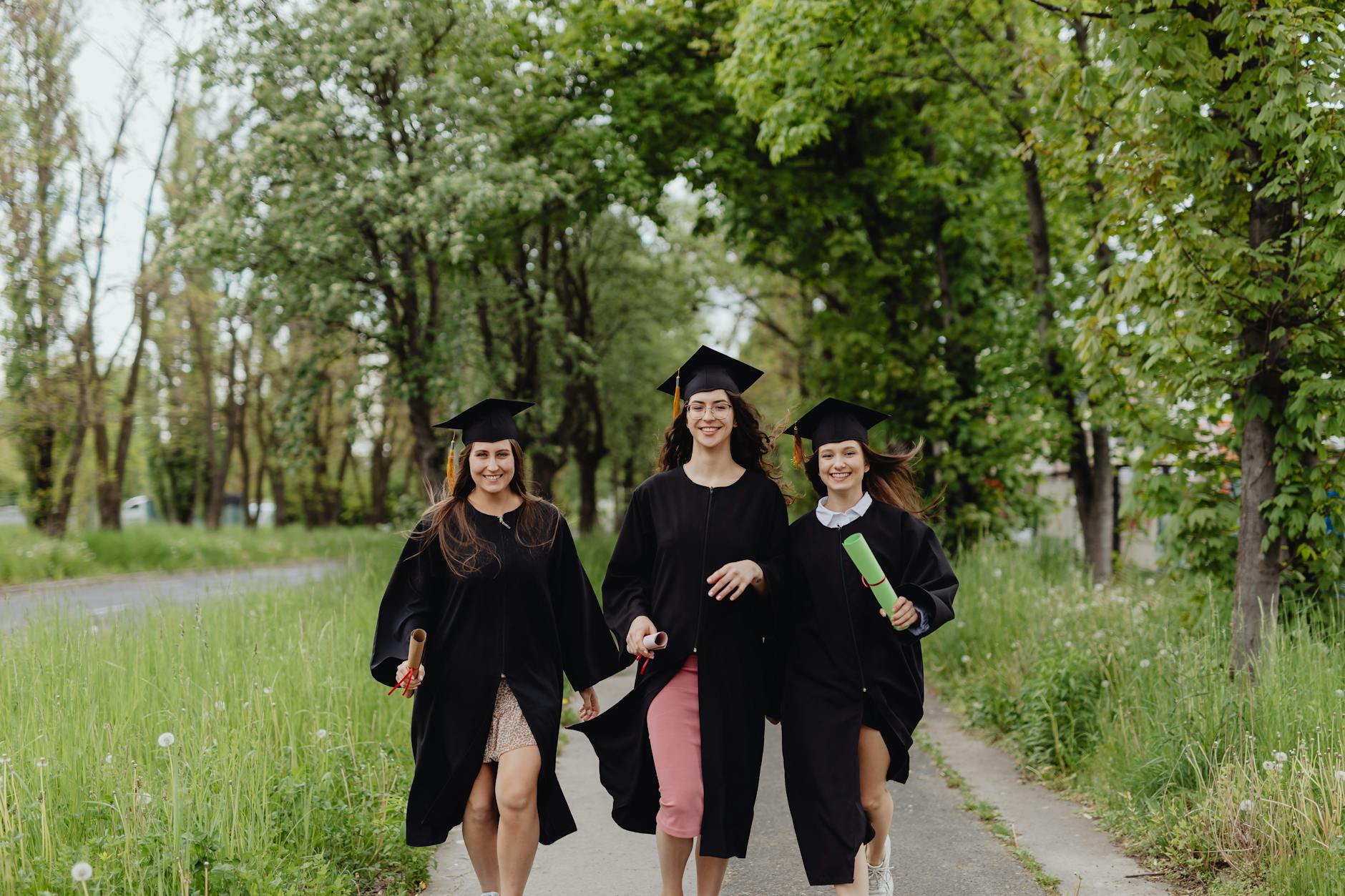
- Seasonal or Themed Setups: Holiday parties, graduation celebrations, and corporate product launches all benefit from custom backdrops that match the event theme.
For more wedding photo booth inspiration, Brides regularly features creative setups that balance DIY charm with polished results.
What App Makes a Photo Booth Work?
A common question people ask when building a photo station at home is: what is the app that makes a photo booth? The answer depends on your device and budget. For iPad and tablet users, Simple Booth HALO is one of the most user-friendly options available. It handles timed shots, GIF creation, digital sharing, and custom branding overlays all in one interface. For desktop setups connected to a DSLR, Breeze DSLR Remote Pro offers deep control over camera settings, print layouts, and automated sessions. Darkroom Booth is another strong option for Mac users who want a clean, professional-looking interface without a steep learning curve. Whichever app you choose, make sure it supports the photobooth picture dimensions you plan to print. A 4×6 layout with two 2×3 strips side by side is the classic format most guests recognize from traditional booths.
If you are planning a larger Columbus event and want to explore what a professional experience looks like compared to a DIY build, check out Columbus photo booth Company for a full breakdown of available services, packages, and customization options.
When to Skip the DIY and Hire a Photo Booth Instead
DIY photo booths are a great option for small gatherings, but there are moments when hiring a professional photo booth service in Columbus makes more sense. If you are hosting a wedding for 150 or more guests, managing the technical side of a photo booth yourself pulls your attention away from enjoying the day. Printer jams, software crashes, and lighting issues are common problems that experienced operators know how to fix in under two minutes. A first-time DIY host might spend 30 minutes troubleshooting the same issue while guests wait.
Professional photo booth hire also comes with features that are genuinely hard to replicate at home. Instant social media sharing, custom digital overlays, branded prints, and on-site attendants all add a layer of polish that guests notice. According to event industry insights from BizBash, interactive photo experiences are consistently among the highest-rated elements at corporate events and upscale social gatherings. If those outcomes matter to your Columbus event, a rental is worth the investment. The Columbus Photo Booth Company – Photo booth rentals with personalized backdrops, instant sharing, and a dedicated on-site attendant take all the stress out of the process.
DIY Photo Booth FAQs for Columbus Event Planners
How do I create my own photobooth? Start by choosing a clear, open space at your venue. Set up a backdrop using a stand or frame, position your camera on a tripod at chest height, add two light sources on either side for even coverage, connect a photo booth app to your camera, and attach a printer for instant physical prints. Test the full setup before guests arrive and keep props nearby to encourage participation.
What camera should I use for a DIY photo booth? For the sharpest results, a DSLR like a Canon EOS Rebel T8i or a mirrorless camera like the Sony a6400 are reliable choices. Both pair easily with photo booth software via USB. If budget is a concern, a newer iPhone or Android with a high-quality rear camera mounted on a stable tripod can produce very acceptable results for casual events.
Do you need an LLC for a photo booth business? If you are thinking of turning your DIY skills into a side business offering photo booth hire in Columbus, forming an LLC is generally recommended. It separates your personal assets from business liabilities and adds credibility when approaching corporate clients. Consult a local Columbus business attorney or accountant for advice specific to your situation.
Building a photo booth yourself is genuinely rewarding, and the experience teaches you a lot about lighting, photography, and event flow. But when the stakes are high and you want guaranteed results, a professional setup removes every variable. If you are ready to give your Columbus guests an experience they will actually remember, reach out to Photo booth services columbus ohio and discover what a fully managed, luxury photo booth looks like in action. Contact us today for a free quote on photo booth rentals Columbus and let our team handle every detail so you can focus on celebrating.
