
Photo booths have come a long way from the days of simple snapshot strips and goofy props. Today, one of the most exciting upgrades you can add to your event setup is video messaging in your photo booth. Whether guests are recording heartfelt wedding wishes, fun birthday shoutouts, or branded brand activation clips, video messages transform a photo booth from a novelty into something genuinely memorable. If you have been thinking about adding this feature to your next event, this guide walks you through exactly how to do it right.
At epic events booth photo experiences, we have seen firsthand how video messaging turns a good booth into a great one. Guests love it, event hosts love the results, and the footage becomes something people actually revisit long after the party wraps. Here is everything you need to know to pull it off smoothly.
What Is Video Messaging in a Photo Booth and Why It Works
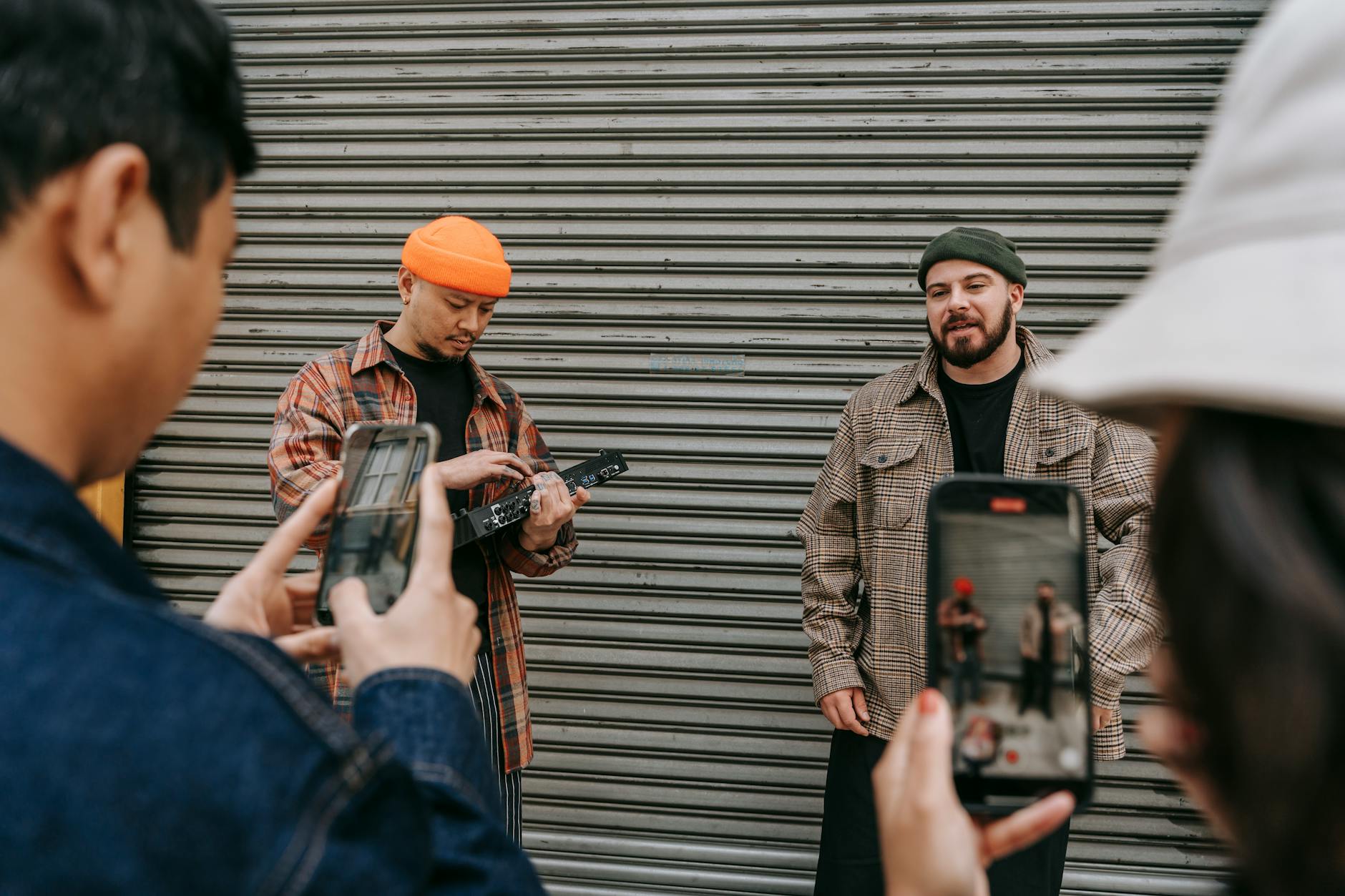
At its core, photo booth video messaging lets guests step up, hit a button, and record a short personal video clip. These can be heartfelt notes, funny one-liners, well-wishes, or anything in between. The recordings get saved digitally and can be shared instantly or compiled into a highlight reel for the event host afterward.
Why does it work so well? Because people want to be heard, not just photographed. A static image captures a moment, but a video captures personality, voice, and emotion. According to planning resources at The Knot, couples increasingly want interactive guest experiences that produce keepsakes beyond a photo album. Video messages check every one of those boxes. They are personal, easy to record, and surprisingly emotional when you watch them back weeks later.
Adding a video messaging component also extends how long guests spend at your booth. Instead of a quick snap and walk away, they stick around, share a laugh with friends, and record something worth keeping. That kind of engagement is exactly what elevates an event from ordinary to unforgettable.
Choosing the Right Video Booth Setup for Your Event
Not every booth setup is built for video messaging, so the first step is choosing the right equipment and configuration. A dedicated video booth is purpose-built for this kind of interaction. It typically includes a high-resolution camera, a clear prompt screen, a ring light or studio-quality lighting, and a simple interface guests can operate without any help.
When you are comparing options, look for a setup that offers the following:
- HD or 4K video capture so the footage looks polished
- A clear, easy-to-read prompt on the screen so guests know exactly what to say
- Good audio pickup, since video without clean audio is practically useless
- Instant digital delivery so guests get their clip the moment they finish recording
- A countdown timer so guests are not caught off guard when recording begins
For events like weddings, a video booth rental in Tempe gives couples a professionally managed setup where the technology handles itself. Guests do not need instructions. They walk up, see the prompt, smile at the camera, and record. That simplicity is key to getting high participation rates.
Writing the Right Video Prompts to Get Great Guest Messages
The biggest mistake people make with video message booths is assuming guests will know what to say. Most people freeze when a camera turns on and there is no direction. That is why your prompts matter more than almost anything else in the setup.
Good prompts are short, friendly, and specific. Here are some examples that work well across different event types:
- For weddings: “Share your favorite memory with the couple or a wish for their future!”
- For birthdays: “Tell [name] one thing you love about them in 30 seconds. Go!”
- For corporate events: “Give a shoutout to a teammate who knocked it out of the park this year.”
- For brand activations: “Tell us why you love [brand name] in one sentence!”
Keep prompt text large and easy to read. Place it at eye level with the camera so guests are naturally looking toward the lens when they read it. Rotate prompts if you want variety across a longer event. Some booth setups allow you to load multiple prompts that cycle through, which keeps the experience fresh for guests who visit the booth more than once.
Event industry resources like BizBash consistently highlight interactive video elements as some of the highest-engagement activations at modern events. A well-crafted prompt is often the difference between a booth people line up for and one they walk past.
Customizing Your Video Booth for Weddings and Corporate Events
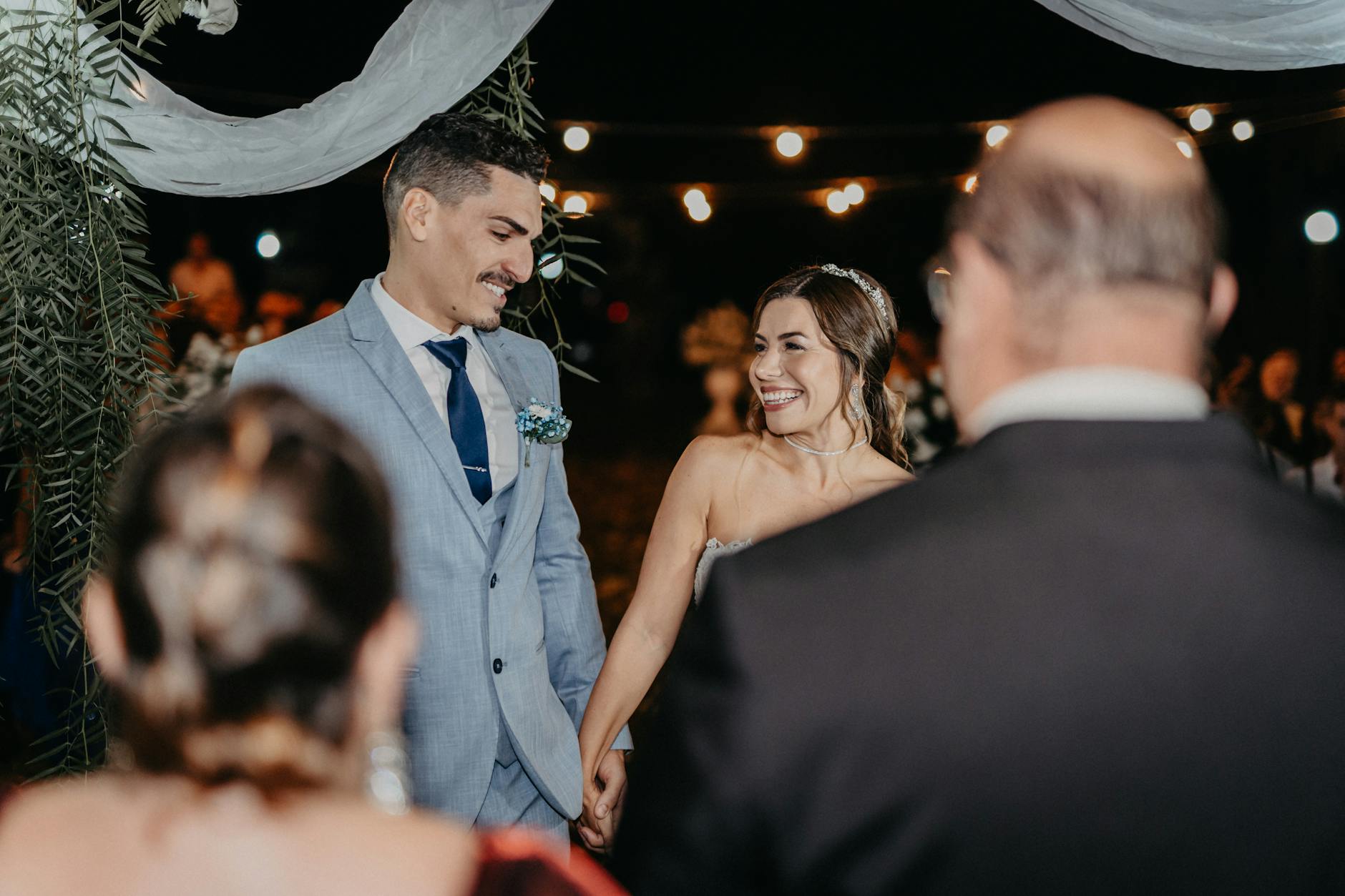
One of the best parts about incorporating video messaging into a photo booth is how fully it can be customized. For weddings, you might add a romantic overlay frame, the couple’s monogram, and a prompt that feels intimate and warm. For a corporate brand activation, you can swap in a branded background, company colors, and a prompt tied to a product launch or team milestone.
Customization options to consider include:
- Custom digital overlays and branded intro screens
- Personalized backdrops that match your event theme or color palette
- Custom audio intro jingles or sound effects before recording starts
- Branded email or SMS delivery so guests receive their video with your event logo
- QR code access so guests can pull up their video clip on their phone instantly
For weddings specifically, resources like Zola Expert Advice point out that personalized guest experiences are one of the top trends couples prioritize when booking vendors. A video booth that carries your wedding aesthetic all the way through the messaging, delivery, and playback experience feels intentional rather than tacked on.
If you are planning a large corporate event, the ability to compile all video messages into a single highlight reel is a major draw. Imagine playing a five-minute video at the end of your company party showing dozens of employees sharing funny, heartfelt, and energetic shoutouts. That kind of content also works well for internal communications and company anniversary recaps.
Managing Guest Flow So the Video Booth Does Not Create a Bottleneck
Video recording takes a bit longer than snapping a photo, so without some planning, your video message station can create a line that discourages participation. Managing guest flow around your video booth is something worth thinking through before your event starts.
Here are some practical ways to keep things moving:
- Set a maximum recording time of 30 to 60 seconds per clip. Most guests will say what they need to say in that window.
- Position an attendant near the booth to guide guests through the process and keep the line moving.
- Schedule “booth time” during natural breaks in your event, like cocktail hour or dinner service, when guests are looking for something to do.
- Use a countdown on screen so guests know exactly how much time they have left.
If you are running a large event with hundreds of guests, check out this detailed resource on photo booth line management at events for practical strategies that translate well to video booth setups too. A well-managed booth creates a better experience for everyone and higher-quality recordings because guests are relaxed rather than rushed.
Sharing and Delivering Video Messages After Your Event
Recording great video messages is only half the job. How you deliver and share those clips afterward shapes how much value the whole feature actually provides. The best video booth experiences include a seamless digital delivery system built right into the setup.
Common delivery options include:
- Email delivery immediately after recording, sent directly to the guest
- SMS text delivery with a link to the video file
- QR code pickup so guests can scan and download at the booth
- A compiled video gallery the event host receives after the event wraps
For event hosts, receiving a compiled gallery of all guest video messages is one of the most treasured parts of the experience. Many couples watch their wedding video messages on anniversaries. Corporate teams revisit company party clips during team meetings. The footage has a long shelf life that a printed photo strip simply does not.
Make sure your booth provider can tell you exactly how files are stored, how long they are kept, and what format they are delivered in. Raw MP4 files are the most versatile for editing and sharing down the line. If you are working with an arizona luxury event photo booth provider, ask specifically about their post-event delivery process before you book so there are no surprises.
Tips for Getting Maximum Guest Participation at Your Video Booth
Even the most beautifully set up photo booth with video messaging will sit idle if guests do not know it is there or feel awkward approaching it. A little strategy goes a long way toward getting strong participation numbers.
Try these approaches:
- Announce the booth at the start of your event. A simple mention from the MC or host makes a huge difference.
- Place the booth in a high-traffic area, near the bar, the entrance, or the dance floor.
- Use clear, fun signage that tells guests what the booth does and invites them in.
- Have your event team or wedding party go first. When guests see others doing it, the barrier drops fast.
- Offer a small incentive for participating, like a raffle entry or branded keepsake.
The best video message experiences happen when guests feel relaxed and know what is expected. Between the right prompts, a welcoming setup, and a little social nudge, you will be surprised how quickly a crowd warms up to the idea of stepping in front of a camera.
Ready to add video messaging to your next event? Reach out to us and contact us today for a free quote from our photo booth rental team in Arizona and let us build a custom video booth experience that your guests will be talking about for years to come.
