
Incorporating video messaging into your photo booth means giving guests a way to record short, personal video clips directly at the booth, which are then saved, shared, or compiled into a single keepsake for the host. This feature works with most modern photo booth setups and is especially popular at weddings, corporate events, and milestone celebrations. The sections below walk through every step, from choosing the right booth type to delivering a polished final product at your Houston event.
What Is Video Messaging in a Photo Booth and Why Houston Events Love It
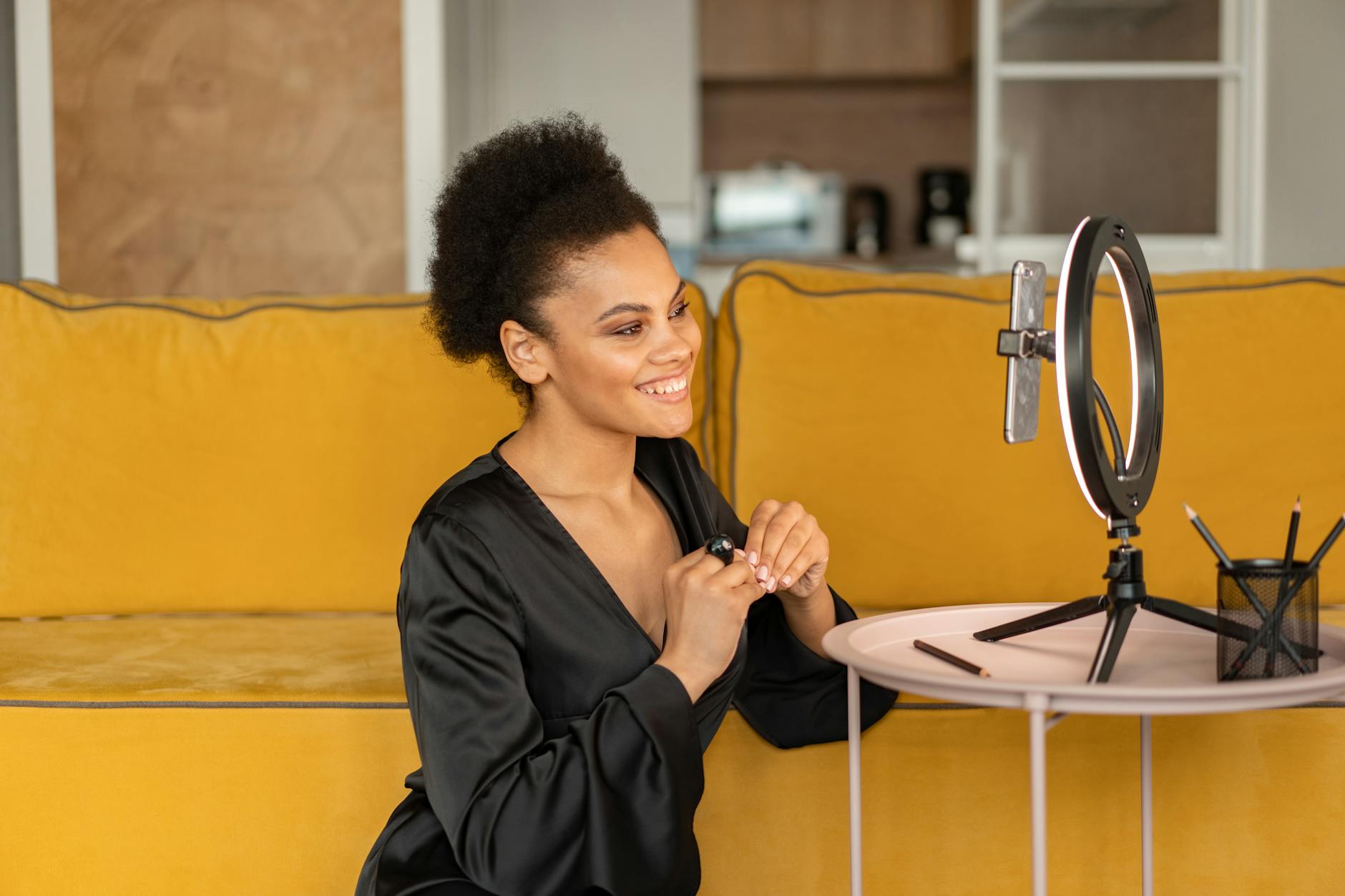
If you have been searching for photo booth rental Houston options that do more than snap still photos, video messaging is exactly what you are looking for. Instead of a printed strip, guests step up to the booth and record a short video message directly to the guest of honor. Those clips can be stitched together into a highlight reel, sent instantly via text or email, or saved to a USB drive as a lasting keepsake.
Video messaging inside a photo booth is sometimes called a video guest book booth, and it has become one of the fastest-growing trends at Houston weddings and parties. According to The Knot, personalized keepsake experiences rank among the most-requested wedding extras right now, and a video guest book hits that mark perfectly. Guests love it because it feels natural. They are not writing in a book; they are talking to a camera the same way they do on any video call, which means you get genuine, heartfelt messages rather than generic well-wishes.
Houston is a city that loves a big celebration, and video messaging matches that energy. Whether it is a Tex-Mex themed quinceañera in Katy, a corporate gala in the Galleria area, or a rooftop wedding in Midtown, the booth becomes a conversation piece that keeps guests engaged all night long.
Choosing the Right Video Booth Setup for Your Houston Event
Before you can record a single clip, you need the right equipment. Not every booth on the market supports video messaging, so this is the first thing to confirm with your rental company. At Epic Events Booth, we offer several setups that support video recording, and the best choice depends on your event style.
For weddings and intimate gatherings, a dedicated video booth rental with a crisp touchscreen interface is ideal. Guests tap to start, record their message, and tap to stop. The whole process takes under a minute, which keeps the line moving. If you want something more dramatic, the 360 video booth adds a slow-motion, 360-degree spin around the guest as they deliver their message. That kind of cinematic quality is especially popular at Houston corporate events and brand activations where the wow factor matters.
For larger Houston parties where you want something a little more glam, the glam photo booth can be configured to capture video clips with soft, flattering ring-light illumination that makes everyone look camera-ready. No one is going to skip recording a message when the footage looks that good.
Check Photo booth rental Houston prices on our city page to see current package options and what each setup includes before you commit.
Setting Up the Booth for Seamless Video Recording
Even the best video booth setup can fall flat if the physical setup is not right. Here is a practical checklist for making sure video recording goes smoothly at your Houston event.
- Lighting: Natural light looks great in photos, but video needs consistent, controlled light. A ring light or LED softbox positioned directly in front of the booth prevents harsh shadows and gives every guest a polished look. For outdoor events in Houston, where afternoon sun can be intense, a shaded pop-up canopy goes a long way. You can get more tips on outdoor setups in this guide to outdoor wedding photo booth setup.
- Sound: Video without clear audio is almost useless as a keepsake. Place a small directional microphone at booth level so it picks up voices cleanly without capturing background music or crowd noise. If your venue runs a live band or DJ, ask about positioning the booth in a quieter corner.
- Backdrop: A clean, custom backdrop keeps attention on the guest’s face and message rather than whatever is happening behind them. Personalized options with the couple’s names, a company logo, or a festive Houston skyline graphic all work well.
- Prompt cards: Some guests freeze in front of a camera. A small sign next to the booth with simple prompts like “Share a favorite memory” or “Give the couple your best advice” removes that hesitation immediately.
- Clip length limits: Setting a 30 to 60 second maximum per recording keeps the energy up and prevents one guest from monopolizing the booth for ten minutes.
Getting these elements right before guests arrive makes a real difference. The booth should feel welcoming, not intimidating, which is why our team always does a full setup walk-through at the venue before the event starts.

Incorporating Video Messaging Into Wedding Photo Booth Experiences
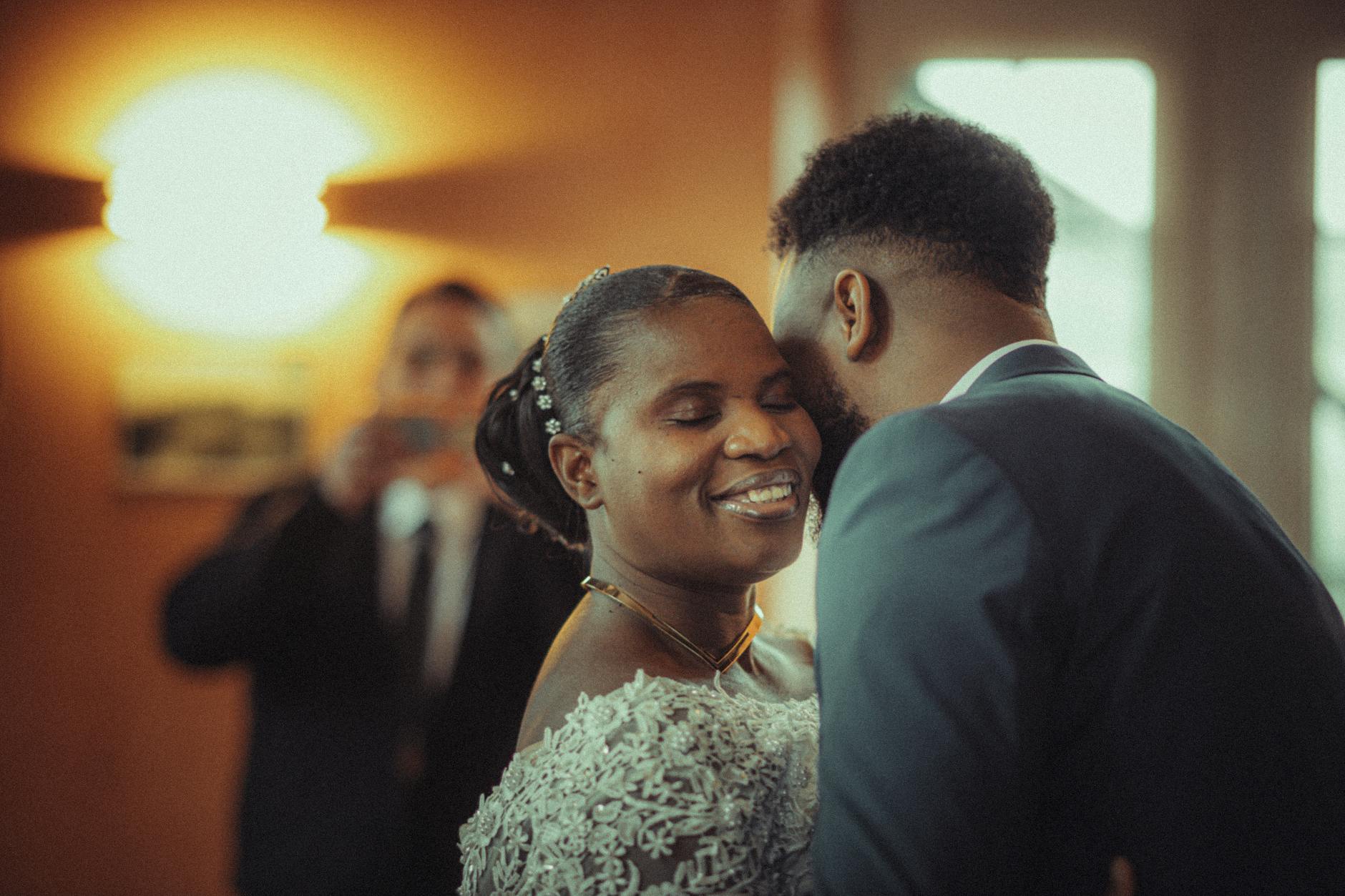
Weddings are where video messaging really shines. A traditional guest book collects signatures. A wedding video booth collects stories, laughter, toasts, and tears, all in the speaker’s own voice. That is something you can watch on your anniversary years from now and feel like you are back in the room.
WeddingWire notes that couples increasingly want interactive experiences that replace passive traditions, and a video messaging booth does exactly that. Guests who might skip the guest book entirely will happily step up to a booth and say something on camera.
Here are a few ways to weave video messages at a wedding photo booth into your overall reception flow:
- Set the booth up during cocktail hour so guests record messages while they are relaxed and socializing, before the formal program starts.
- Have your MC make a quick announcement encouraging guests to visit the booth and leave a message for the couple.
- Pair the video booth with a GIF photo booth option so guests can choose between a fun animated clip and a heartfelt video depending on their mood.
- Request a compiled highlight reel from your rental company so you receive one continuous video file you can watch straight through, rather than dozens of individual clips to sort through manually.
Houston couples can also read more detailed inspiration for weaving this into a photo booth experience in our post on video messaging in photo booths.
Using Video Messaging Photo Booths for Corporate Events in Houston
Corporate events in Houston present a slightly different use case for video messaging at a corporate photo booth. Instead of a wedding keepsake, the goal might be collecting employee testimonials, recording personalized messages for a retiring colleague, gathering customer feedback at a brand activation, or producing social-ready content for internal communications.
For brand activations, a fully branded video booth with your company logo, colors, and a custom call-to-action on the touchscreen creates a cohesive brand experience. Guests step into a polished, on-brand environment and record a clip that your marketing team can actually use. BizBash consistently highlights interactive booth experiences as some of the strongest engagement drivers at corporate events, and video messaging takes that engagement a step further by giving attendees something personal to create.
A few corporate-specific tips for video booth rentals at Houston business events:
- Use branded prompt cards that tie back to your campaign messaging or event theme.
- Configure the booth to send clips directly to a company-managed email or cloud folder so your team has instant access to the content.
- For trade shows at the George R. Brown Convention Center or the NRG Center, position the booth near the entrance or a high-traffic aisle to maximize foot traffic.
- Consider pairing video messaging with a 360 video experience to give corporate guests a shareable, visually impressive clip they will want to keep.
If you have seen similar setups at events in other cities and are curious how the experience translates, our team has executed this concept as video booth rental in Tempe and beyond, so we bring real cross-market experience to every Houston booking.
Delivering and Sharing Video Messages After the Event
Recording the messages is only half the job. How you deliver the final product matters just as much as the footage itself. Here is what a solid delivery process looks like for video message delivery from a photo booth.
Most modern video booth systems offer several sharing options in real time. Guests can receive their clip immediately via SMS or email while they are still at the event. That instant gratification keeps energy high and gives guests something to share with friends who could not attend. For the host, all clips are stored securely so nothing gets lost.
After the event, you should receive:
- All individual video clips in a shared digital folder or USB drive.
- A compiled highlight reel if you requested one, edited with transitions and optional music.
- Any branded overlays or lower-thirds your company requested for a corporate booking.
Before booking any Places with a photo booth : r/houston or rental service, confirm exactly what file formats you will receive, who owns the footage, and how long the provider stores your clips. These details matter more than most people realize, especially for corporate clients who need the footage for future marketing use.
For weddings, consider asking your rental company about a Vintage photo booth Houston aesthetic for the backdrop while keeping the tech ultra-modern inside. That contrast between a classic look and cutting-edge video functionality is a combination Houston couples love right now.
According to Zola Expert Advice, couples who invest in interactive reception entertainment report higher overall guest satisfaction scores compared to events with more traditional entertainment formats alone. A video messaging booth is one of the simplest ways to deliver that interactive layer.
Tips for Getting the Most Out of Video Messaging at Houston Parties
Whether you are hosting a milestone birthday in River Oaks, a baby shower in The Heights, or a graduation party in Sugar Land, these practical tips will help you squeeze the most value out of your video messaging photo booth rental in Houston.
- Brief your guests: A quick verbal announcement or a note on the event program telling guests the booth is there and how it works dramatically increases participation.
- Assign a booth host: Having one fun, outgoing person stationed near the booth to encourage shy guests makes a big difference in total participation numbers.
- Match the booth to the vibe: A children’s birthday party needs bright colors and simple prompts. A formal anniversary dinner needs elegant branding and a classier backdrop. Your rental company should help you match the setup to the occasion.
- Plan for volume: If you are expecting 150 or more guests, make sure your booth can handle back-to-back recordings without lag or technical hiccups. Ask your provider about processing speed and storage capacity upfront.
- Use video messages as the gift: For retirement parties or milestone birthdays, the compiled video reel IS the gift. Frame it that way when you announce the booth and watch participation skyrocket.
Martha Stewart’s party planning guides regularly emphasize that the most memorable parties give guests something to do, not just something to watch. A video messaging booth checks that box perfectly for any Houston celebration.
Ready to bring video messaging to your next event in Houston? Houston Photo Booth Rental from Epic Events Booth comes with full video messaging capability, custom backdrops, and on-site support so everything runs without a hitch. Reach out and contact us today for a free quote on photo booth rental in Houston and let us help you create something your guests will be talking about long after the night ends.
Frequently Asked Questions
What is a video messaging photo booth?
A video messaging photo booth is a booth setup that allows guests to record short video clips instead of, or in addition to, taking still photos. Guests step up, press record, speak directly to the camera, and the clip is saved for the host. The videos can be shared instantly via text or email and compiled into a single highlight reel after the event.
How long should video messages be at a photo booth?
Most event planners set a 30 to 60 second limit per recording. This is long enough for a meaningful message but short enough to keep a line from forming. For corporate events, 15 to 30 seconds is often better. Your rental company can configure the time limit before the event starts to match your specific needs.
Can a video messaging booth work at an outdoor Houston event?
Yes, but outdoor setups require a bit more planning. You will need a shaded area to control lighting, a directional microphone to minimize ambient noise, and a stable surface for the booth hardware. Houston’s heat and humidity also mean your rental company should use equipment rated for outdoor conditions. Always confirm outdoor compatibility when booking.
How do guests receive their video messages after the event?
Most modern video booths send clips instantly to a guest’s phone via SMS or email right after recording. The host typically receives all clips in a shared digital folder or on a USB drive within 24 to 48 hours after the event. Ask your provider whether a compiled highlight reel is included or available as an add-on.
Is a video messaging booth good for corporate events in Houston?
Absolutely. Corporate events can use video messaging booths to collect employee testimonials, record farewell messages for a departing colleague, create branded social content, or gather customer feedback at a brand activation. The booth can be fully branded with your company logo and colors, making it a functional marketing tool as well as an entertainment feature.
