
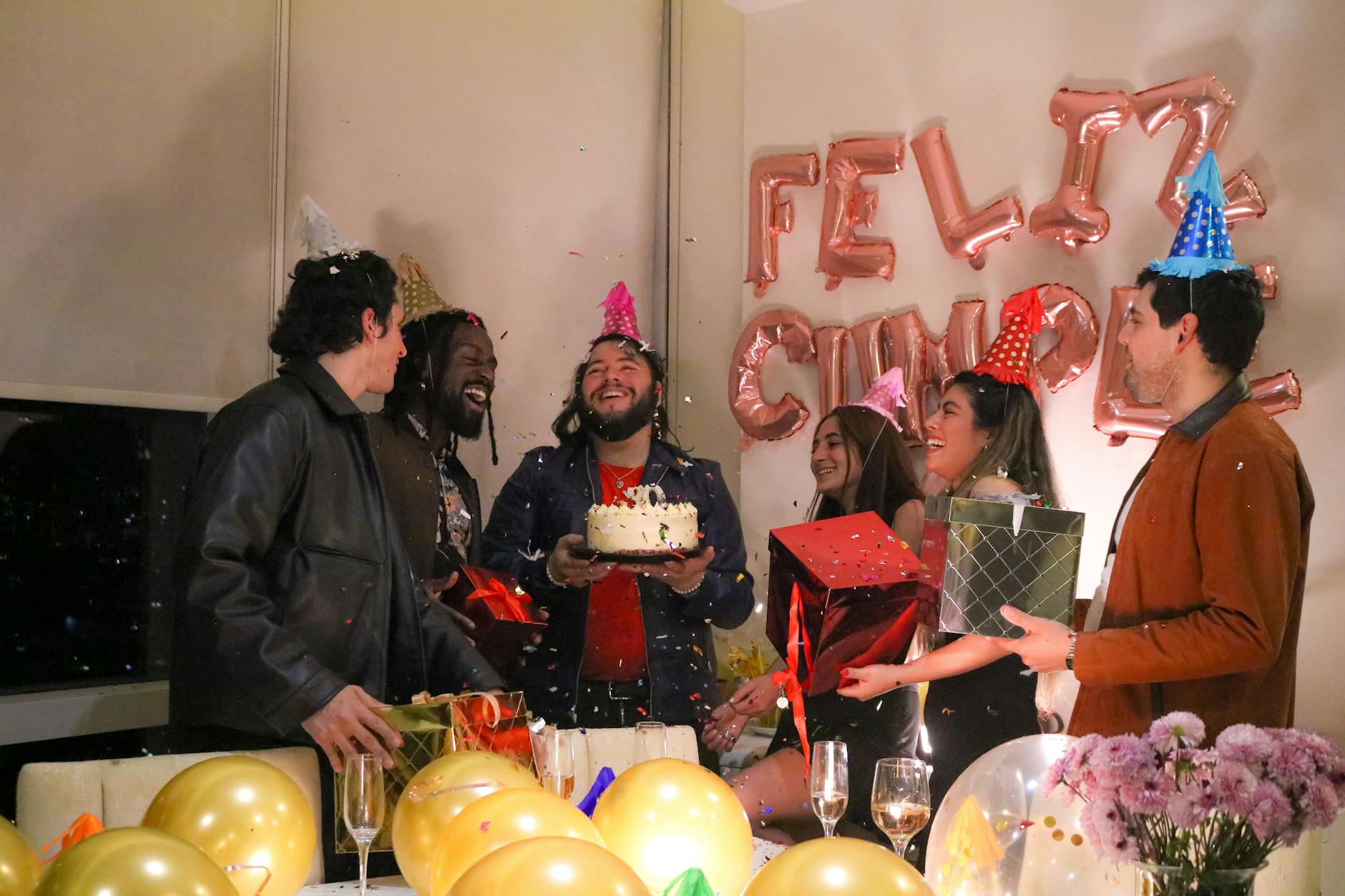
Taking a proper photo in a photo booth comes down to a few key habits: position yourself in good light, use a steady stance or the built-in tripod function, pick a flattering pose, and let the booth’s settings do the heavy lifting. Photo booths at Dallas events are designed to make everyone look great, but knowing a few insider tricks separates a forgettable snapshot from a print-worthy moment. This guide walks you through everything you need to know, from camera settings to group posing strategies.
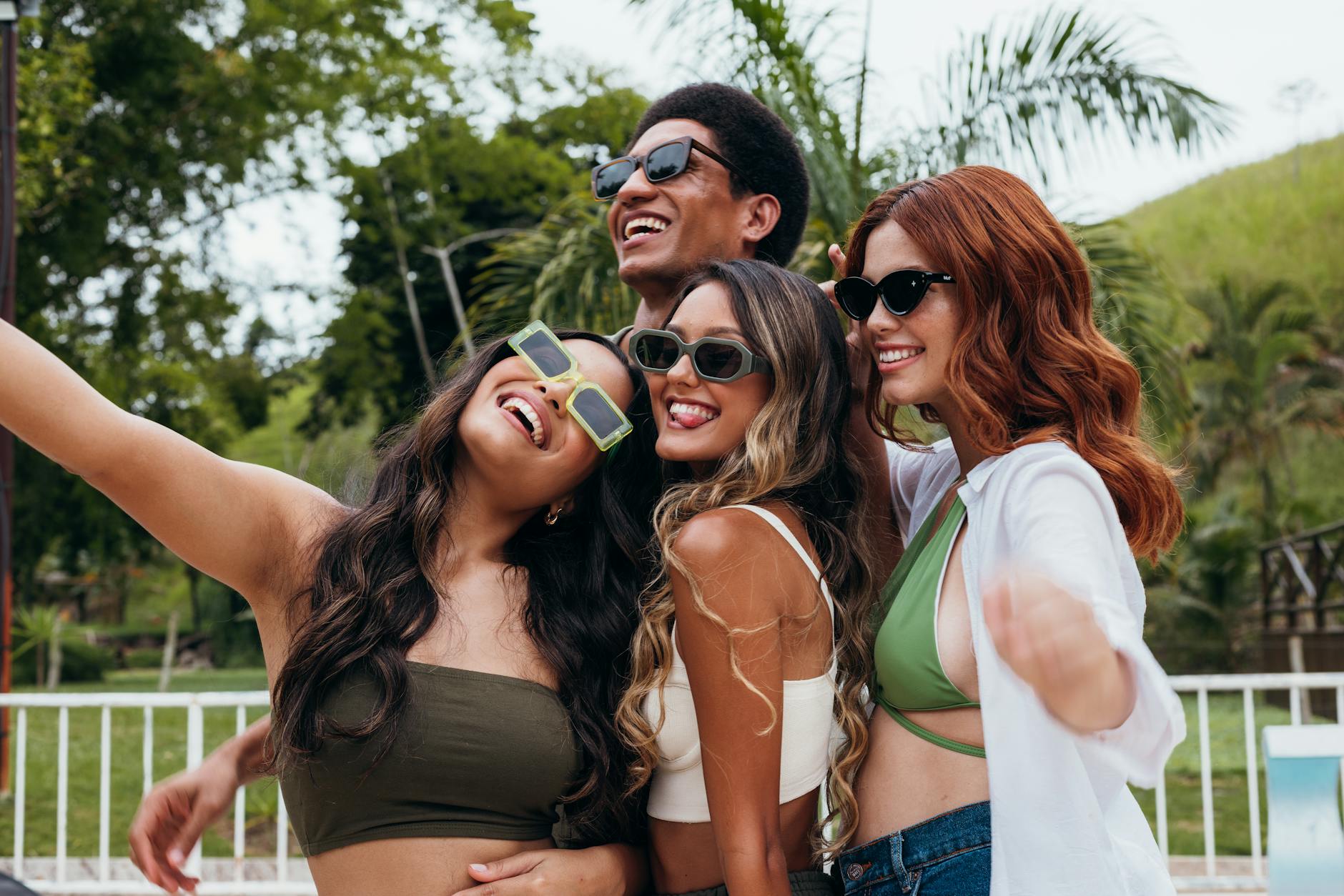
If you are planning an event in Dallas and want guests walking away with gorgeous photos, Epic Events Booth has the booth experiences and trained staff to make it happen. Whether someone is stepping up to a Korean photo booth Dallas style open-air setup or a sleek digital kiosk, these tips apply across the board.
1. How to Take Great Photos in a Photo Booth: Nail Your Starting Position
Learning how to take great photos in a photo booth starts before you even strike a pose. Your starting position sets up everything else. Stand or sit close enough to the camera that your face fills at least half the frame. Most photo booths in Dallas are calibrated for a range of roughly two to five feet from the lens, so stepping in too far or backing up too much throws off the exposure and composition.
Keep your chin slightly forward and down. This simple move sharpens your jawline and eliminates any unwanted shadow under your chin. Roll your shoulders back naturally instead of tensing them up. A relaxed posture reads as confident in photos, and guests who feel comfortable in their body language almost always take better shots at photo booth events.
For reference on what works well in event photography, Brides consistently emphasizes that posture and proximity to the camera are two of the fastest fixes for unflattering event photos.
2. Proper Photo Booth Lighting: Work With What the Booth Gives You
Proper photo booth lighting is one of the biggest factors separating a great print from a washed-out mess. Most professional booths use ring lights or studio-grade flash panels, and those are already optimized before your guests walk up. The mistake people make is fighting the light instead of working with it.
Face the light source directly. If the booth has a front-facing ring light, look straight into the lens rather than turning your head to the side at a steep angle. Side angles are flattering in portrait photography with multiple light sources, but in a single-flash booth environment, turning too far creates heavy shadows on one side of your face.
Avoid standing between a bright window or ambient room light and the booth camera. That backlighting overpowers the booth’s flash and leaves your face dark. Dallas event venues, especially those with floor-to-ceiling windows, can be tricky for this. The booth attendant from a reputable DFW 360 Booths: 360 PHOTO BOOTHS IN DALLAS company will usually position the booth away from direct sunlight for exactly this reason.
If you notice the lighting feels harsh, try tilting your face slightly upward. This opens up the light across your features and softens any shadows under the eyes.
3. Best Camera Settings for a Photo Booth: Understanding ISO, Aperture, and Shutter Speed
If you are operating your own booth or renting a DIY setup, knowing the best camera settings for a photo booth makes a dramatic difference in photo quality. The goal is a sharp, well-exposed image even in a dimly lit venue.
- ISO: Keep ISO between 400 and 800 for indoor events. Going higher introduces grain. If your booth has a strong external flash, you can drop ISO to 200 for cleaner images.
- Aperture: Set your aperture to f/5.6 to f/8. This gives you a wide enough depth of field so that groups of two or three people are all in sharp focus, not just the person closest to the lens.
- Shutter Speed: Use 1/100s to 1/200s. If you are using flash, match your shutter speed to the flash sync speed of your camera, which is typically 1/200s or slower.
Most managed photo booth rentals in Dallas handle all of these settings behind the scenes. But if you are shooting in manual mode for a DIY setup, these numbers give you a reliable starting point. Our portable photo booth rental guide breaks down what to look for in a rental before you commit to a setup.
4. Use the Tripod Function for Sharper, More Consistent Shots
One of the most underused features in a photo booth setup is the tripod function. Using a tripod, or a booth mounted on a stable fixed stand, eliminates camera shake entirely. Even small vibrations from a hand-held camera or a loosely mounted tablet create soft, slightly blurred images that look fine on a small screen but fall apart when printed.
For self-operated setups, place the camera at eye level or slightly above. Eye-level shooting is the most natural angle for portraits. Slightly above eye level is even more flattering because it lengthens the neck and brings attention to the eyes rather than the chin.
A stable tripod also means the framing stays consistent from guest to guest throughout a long Dallas event. You will not end up with the first group perfectly centered and the last group half out of frame because the camera shifted over four hours of use. Consistency matters when guests are comparing their prints at the end of the night.
The same principle applies to the professional booths we offer. Every 360 video booth and open-air setup is mounted on a precision stand so your footage and stills stay crisp from the first guest to the last.
5. Proper White Balance: Get Your Colors Right
Proper white balance is what makes skin tones look natural instead of orange, green, or ghostly pale. In a photo booth environment, the most common culprit is a mismatch between the booth’s flash and the venue’s ambient lighting.
If you are managing your own setup, set your white balance to Flash (usually shown as a lightning bolt icon on your camera). This tells the camera to calibrate color around the flash output rather than the room’s tungsten or LED lighting. Shooting in RAW format also gives you the ability to correct white balance in post without any quality loss.
For guests using a managed photo booth, this is handled automatically. But here is the guest-facing tip: avoid standing under colored uplighting or neon signs when stepping into the booth. That ambient colored light mixes with the booth’s white flash and can cast an unexpected hue on your skin. Step slightly away from any colored decorative lighting for the clearest, most accurate photo booth pictures.
Dallas events, especially corporate parties and weddings with dramatic lighting design, are particularly prone to this. Venues along the Dallas arts district corridor tend to use moody, warm lighting that looks stunning for atmosphere but can compete with booth flash. A good attendant will flag this, but now you know to check for it yourself.
6. Make a Pose and Stand Out in Every Shot
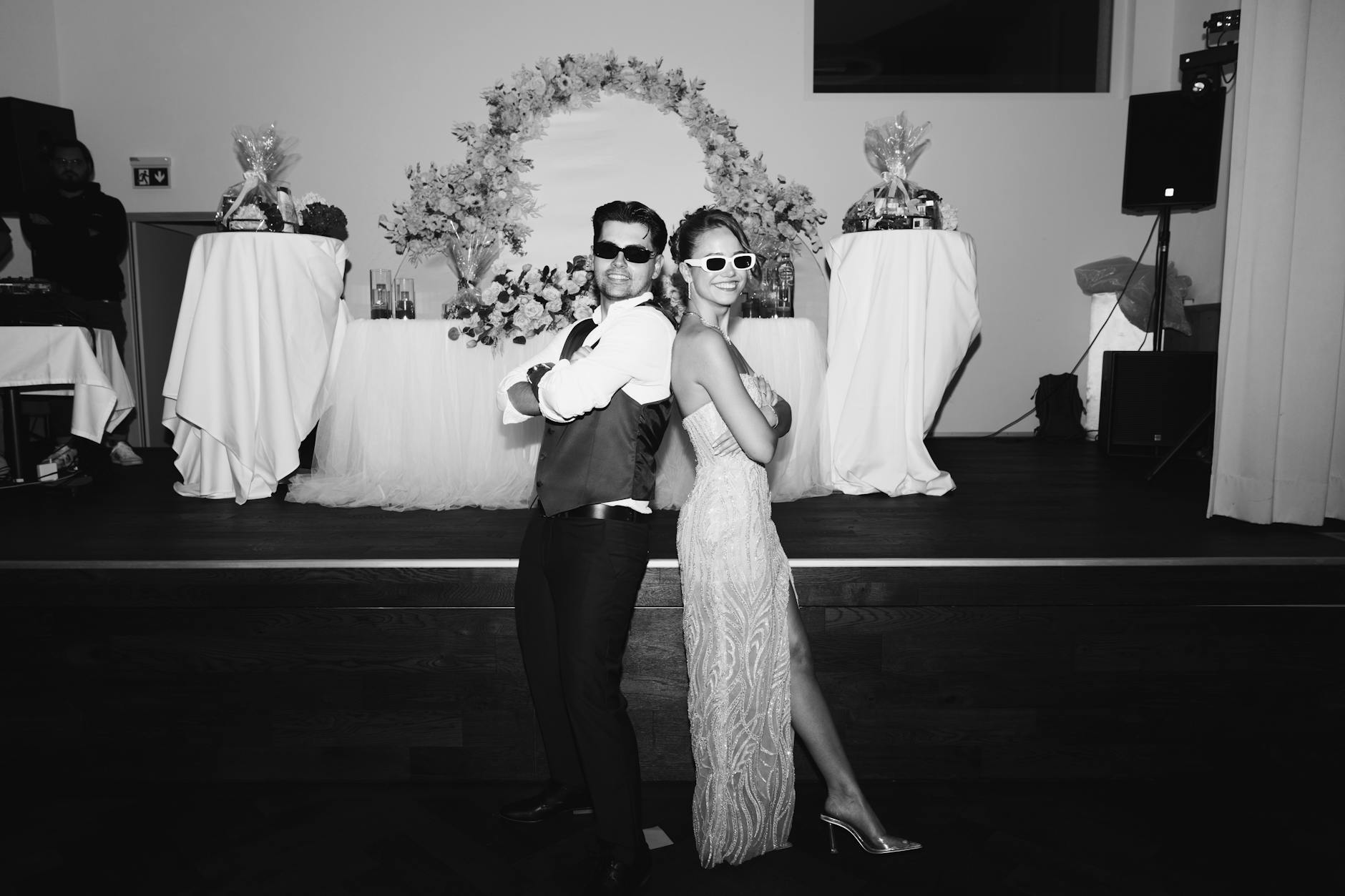
Posing for a photo booth does not have to feel awkward. The people who look best in photo booth pictures are usually the ones who committed to a pose rather than standing stiffly and waiting for the countdown. Here are poses that consistently work well:
- The Classic Stand: Face forward, slight chin tilt down, shoulders relaxed. Simple and always clean.
- The Side Lean: Turn your body 45 degrees to the camera and look back at the lens. This angle slims the silhouette and adds visual interest.
- The Prop Hold: Use any provided props at eye level or slightly above. Holding a prop too low pulls attention to your midsection rather than your face.
- The Laugh Grab: Turn to a friend mid-laugh right before the shutter. Genuine expressions always beat forced smiles.
- The Jump Shot: Works great with the GIF photo booth format. Time your jump so you land during the countdown and you will appear mid-air in the GIF sequence.
According to The Knot, photo booth moments ranked among the most-shared guest memories at weddings in recent surveys, with guests citing candid and posed interaction shots as their favorites over traditional posed portraits.
7. Pose Alone or With a Group: Tips for Both Scenarios
Posing alone in a photo booth gives you full control over framing and expression. Use that freedom to experiment. Try a few serious looks, a few genuine smiles, and one genuinely silly shot. Solo photo booth pictures in Dallas events often become the most-shared because they capture personality without the coordination of a group.
Group shots require a bit more strategy. Stagger your heights by having some people sit, some crouch, and some stand. This creates a layered composition that fits everyone in the frame without anyone getting cut off. Make sure everyone leans slightly inward toward the center of the frame so outer faces are not clipped.
For the glam photo booth experience, solo shots shine the brightest because the softbox-style lighting and beauty filter are calibrated for close-up portraiture. Groups of more than three can sometimes push the outermost faces into less flattering light zones.
Dallas corporate events often see large groups cramming into booths for team shots. Keep group sizes to four or five for open-air setups. For bigger teams, a Vintage Photo Booth Dallas wide-format setup or a 360 platform accommodates larger groups with ease.
Our internal resource on photo booth placement at events also covers how booth positioning affects group photo quality, which applies directly to Dallas venues as well.
8. What to Consider When Shooting Outdoors With Your Photo Booth
Outdoor photo booth shooting in Dallas adds variables you simply do not have indoors. The Texas sun is intense, especially from late morning through mid-afternoon. Direct sunlight hitting guests from above creates harsh shadows under eyes and noses, which is the opposite of flattering portrait lighting.
If you are running an outdoor photo booth at a Dallas garden party, rooftop event, or festival, position the booth so guests face away from direct sun, ideally in open shade. Open shade means diffused sky light hits the face evenly without the harshness of direct rays. This mimics softbox studio lighting and gives you clean, even skin tones without any equipment adjustment.
Wind is another factor outdoors. Hair blowing across a face mid-shot ruins an otherwise great image. Position the booth so the prevailing wind comes from behind the guest rather than head-on. You can also add a windbreak using a backdrop stand with a solid panel.
For outdoor events in Dallas, we always recommend discussing placement with your booth rental company in advance. The common photo booth mistakes event planners make often include ignoring outdoor light conditions until the day of the event, which leaves little time to fix the problem.
Check out ideas from BizBash for outdoor event setup inspiration that pairs well with a photo booth activation at corporate and social events.
9. How to Take Good Photos for Sharing After the Event
Getting a great shot in the booth is only half the story. How you take good photos for sharing matters just as much when those images end up on screens rather than printed strips. Here are a few things to keep in mind if you want your photo booth pictures to look sharp when shared digitally from your Dallas event:
- Ask the booth operator about digital delivery options. Most professional setups include instant digital sharing via text or email at no extra step for guests.
- Request PNG or high-resolution JPEG output rather than compressed thumbnails. Higher resolution files look cleaner on any screen size.
- Avoid heavy digital filters applied after the fact. The booth’s built-in skin smoothing and color grading are already optimized. Adding aggressive external filters on top degrades quality.
- If your booth offers a glam or beauty mode, activate it before your session rather than trying to replicate the effect in a phone app afterward.
According to Zola Expert Advice, couples who chose photo booths with built-in digital sharing options reported higher guest satisfaction scores compared to print-only setups, partly because guests could revisit memories immediately after the event.
Our team also offers access to Photo booth Museum Houston style gallery experiences where every image from your Dallas event is archived in a branded online gallery for weeks after the event, so no photo gets lost.
10. Pick the Right Booth Experience for the Best Photos
Not every photo booth produces the same type of image, and choosing the right experience for your event directly affects photo quality. Here is a quick breakdown of which booth type suits which goal:
- 360 Video Booth: Best for dynamic, shareable video clips and slow-motion moments. A crowd favorite at Dallas corporate events and milestone parties.
- Glam Booth: Best for beauty-forward portraits. Uses professional-grade lighting and skin-smoothing filters for a high-fashion feel.
- GIF Booth: Best for fun, looping moments that are built for digital sharing. Animated GIF booth output gets more organic shares than static prints.
- Open-Air Photo Booth: Best for groups and variety. Wide framing accommodates large parties and creative prop use.
- Wedding Booth: Best for elegant, timeless prints that match wedding aesthetics. Customizable overlays and backdrops tie into your Dallas wedding decor seamlessly.
For Dallas event planners who want a deeper look at how each experience compares, Special Events covers event entertainment trends that put photo and video activations at the top of guest engagement strategies right now.
If you are ready to give your Dallas guests an experience they will talk about long after the event wraps, reach out to The Social Production: Photo Booth Rental Dallas through Epic Events Booth and contact us today for a photo booth rental in Dallas and get a free quote tailored to your event date, venue, and guest count.
Frequently Asked Questions
How to take a good photo in a photo booth?
Stand close enough so your face fills roughly half the frame, face the light source directly, keep your chin slightly forward and down, and commit to your pose before the countdown ends. Use props at eye level or higher for best results. For group shots, stagger heights so everyone is visible and lean inward toward the center of the frame.
How to take a good photo for Facebook?
Request high-resolution digital delivery from the booth operator rather than snapping a picture of your printed strip with your phone. PNG or high-resolution JPEG files retain quality when uploaded. Avoid stacking heavy external filters on top of the booth’s built-in color grading. Natural expressions and clean lighting always outperform heavily edited selfies in engagement on social platforms.
What is the best camera setting for a photo booth?
For a DIY or self-operated booth, use ISO 400 to 800, aperture f/5.6 to f/8, and shutter speed 1/100s to 1/200s synced with your flash. Set white balance to Flash mode. These settings deliver sharp, well-exposed images in most indoor Dallas event venues. If the booth uses a strong external flash, you can lower ISO to 200 for even cleaner image quality.
Should I use the tripod function when setting up a photo booth?
Yes, always. A tripod or fixed mount eliminates camera shake and keeps framing consistent across hundreds of shots during a long event. Set the camera at eye level or slightly above for the most flattering angle. A stable setup also means every guest gets the same quality photo, whether they step up first or last.
What is the best photo booth experience for a Dallas event?
It depends on your event goal. The 360 video booth works best for high-energy corporate events and milestone parties where guests want shareable video clips. The glam booth suits weddings and upscale social events. The GIF booth drives the most digital shares. Talk to your Dallas photo booth rental company about your venue, guest count, and vibe before deciding.
